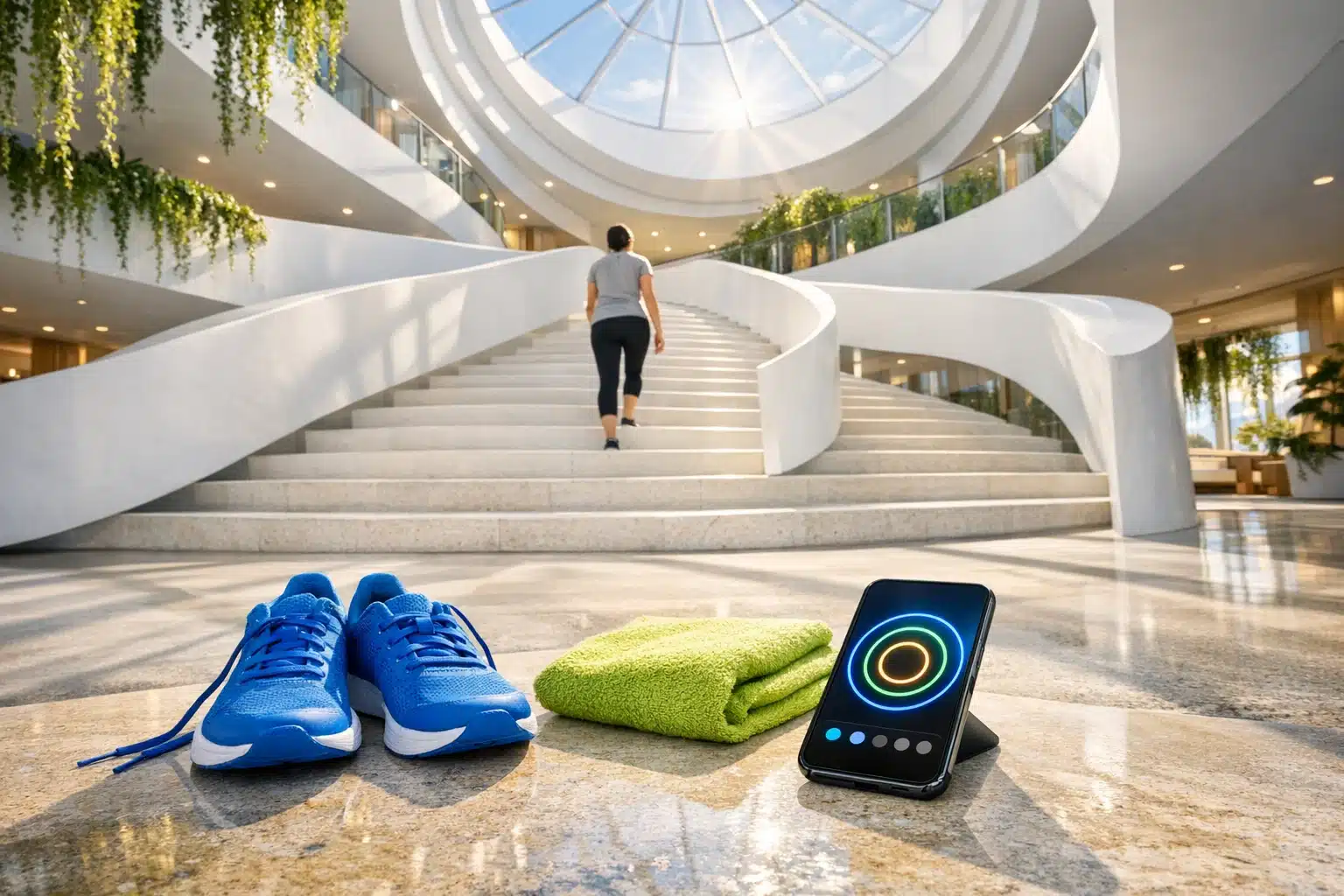
Top Fitness Apps for Beginners: Features, Benefits, and Download Tips
A good fitness app can turn a vague intention into a plan you can follow on a busy Tuesday, in a small apartment, or during a short lunch break. For beginners, that matters because consistency usually beats intensity, and clear guidance reduces the chance of quitting after a week. The World Health Organization recommends at least 150 minutes of moderate activity a week for most adults, and apps can help break that target into manageable sessions. This article explains how to choose wisely, download safely, and start strong without chasing unrealistic promises.
1. Article Outline and Why a Fitness App Matters for Beginners
Before getting into the details, it helps to map the road ahead. This article follows a simple outline:
• why fitness apps are useful for new exercisers
• which features separate a helpful app from a distracting one
• how to handle a fitness app download safely
• which well-known apps are beginner-friendly
• how to build a routine that lasts longer than a burst of early enthusiasm
That outline matters because beginners are often flooded with advice from every direction at once. One app promises intense transformation, another pushes expensive subscriptions, and a third seems designed for marathon runners who already love training. A better starting point is far less dramatic. Most people need a tool that lowers friction, offers clear next steps, and makes movement feel manageable. In that sense, a fitness app is less like a magic wand and more like a small, practical coach living in your pocket.
For beginners, the real value of a fitness app is structure. Instead of wondering what to do, how long to do it, and whether it counts, you open the app and begin. Many apps organize workouts by goal, available time, equipment, and skill level. That reduces decision fatigue, which is one of the most common reasons people stop before a habit forms. If your plan is ready before motivation fades, you are more likely to move.
Apps also make fitness more accessible. A gym membership can be useful, but it is not the only path. A beginner with a phone, a small floor space, and ten to twenty minutes can still build consistency through walking plans, bodyweight circuits, beginner yoga, mobility sessions, or light strength work. Good apps support this by offering:
• short sessions for busy schedules
• guided instruction with video or audio cues
• progress tracking for workouts, steps, or streaks
• beginner programs that progress gradually
That last point is essential. A beginner-friendly app should not throw users into punishing routines. It should create momentum, not dread. The best ones help users understand that early progress often looks modest: improved energy, fewer skipped workouts, better sleep, and growing confidence. Those changes may not be flashy, but they are the foundation that makes bigger goals possible later.
2. What Makes a Fitness App Beginner-Friendly: Features, Design, and Daily Use
Not every fitness app is built for someone at the starting line. Some are excellent for experienced athletes who already know how to program workouts, judge effort, and manage recovery. Beginners usually need something different: clear instruction, gentle progression, and a layout that does not feel like a cockpit full of buttons. When comparing options, the question is not simply, “Is this app popular?” but rather, “Will this app make it easier for a new user to keep showing up?”
The first feature to examine is onboarding. A strong beginner app asks useful questions at the start: current activity level, goals, available equipment, injuries or limitations, preferred workout length, and training style. That small setup step can dramatically improve the experience because it narrows the content to something realistic. A person who wants to exercise three times a week at home should not be pushed toward advanced lifting splits or long endurance sessions. Good onboarding feels like being handed the right map instead of being dropped in the wilderness with a whistle.
Instruction quality matters just as much. Video demonstrations, exercise cues, pacing timers, and rest intervals help beginners move with more confidence. Apps that explain form in plain language tend to be more useful than those that rely on flashy visuals alone. For example, a simple cue like “keep your chest up during a squat” or “brace your core before pressing overhead” can make a workout safer and less intimidating. Useful beginner features often include:
• filters for no-equipment or low-equipment workouts
• beginner, intermediate, and advanced categories
• modifications for easier or lower-impact movement
• calendar scheduling and reminder tools
• basic progress tracking such as completed sessions or total minutes moved
Another important dividing line is how the app handles progression. A helpful app increases difficulty gradually, while a poor one confuses intensity with effectiveness. Beginners benefit from training plans that build from short sessions to longer ones, from simpler movements to more complex ones, and from moderate challenge to steady improvement. Recovery guidance, rest day prompts, and mobility sessions are also signs of a balanced product.
Finally, consider usability and privacy. If an app is cluttered, hard to navigate, or constantly pushing upgrades, it can become mentally tiring before the workout even starts. Likewise, permissions should make sense. A step tracker may need motion data, but a general workout app should not request unrelated access without a clear reason. In short, the best fitness app for a beginner is not the one with the loudest marketing. It is the one that removes confusion, respects the user’s time, and makes consistent exercise feel achievable rather than overwhelming.
3. Fitness App Download Guide: Safety, Permissions, Storage, and Smart Setup
A fitness app download should be simple, but it is still worth being careful. Health and fitness apps often collect personal information such as age, weight, movement data, workout history, and sometimes location or wearable metrics. That does not make them unsafe by default, yet it does mean users should download with the same common sense they would use for a banking app or a shopping app. Convenience is great, but blind clicking is not a training strategy.
The safest approach is to download through official stores such as Google Play or the Apple App Store. These platforms are not perfect, but they do provide stronger screening than random download links from unknown websites. Before installing anything, check a few basics:
• the developer name and whether it looks legitimate
• recent reviews, not just the average star rating
• the last update date, which shows whether the app is maintained
• the privacy policy and what data is collected
• subscription details, trial periods, and cancellation terms
Reviews deserve a closer look than many people give them. A four-star rating can still hide recurring complaints about bugs, surprise billing, or lost data. Focus on patterns rather than one dramatic comment. If many users say the app crashes during workouts or locks basic functions behind unclear paywalls, that information matters.
Storage and device compatibility are easy to overlook as well. Some apps mainly stream workouts, while others allow offline downloads. If you have limited storage or a slower connection, that difference can affect the experience every day. Syncing with smartwatches, heart-rate monitors, or phone health platforms may be useful, but it is optional for most beginners. The simplest setup is often the best setup at first. You do not need a digital control room just to begin walking more, stretching regularly, or completing short strength sessions.
After installation, take a minute to adjust settings. Turn notifications on only if reminders help you; otherwise they may become background noise. Review permissions and disable any that feel unnecessary. Explore whether the app allows goal setting by minutes, sessions per week, or steps, and choose the metric you are most likely to follow. The smartest fitness app download is not merely the one that installs successfully. It is the one that fits your phone, your habits, your privacy comfort level, and your actual goals without creating extra friction before the first workout even starts.
4. Top Fitness Apps for Beginners Compared: Strengths, Limits, and Best Use Cases
When people search for the top fitness apps for beginners, they are usually asking for something more specific than a list of famous names. They want to know which app fits their life. The answer depends on budget, device type, preferred workout style, and how much guidance they want. Features, pricing, and regional availability can change over time, so it is always wise to verify details before subscribing. Still, a few established options consistently stand out for being approachable to new users.
Nike Training Club is often a strong starting point for beginners who want variety without feeling buried in technical jargon. Its workouts commonly span bodyweight training, mobility, strength, and short sessions that work well at home. The major advantage is the guided feel: many routines are straightforward, well-demonstrated, and organized in a way that makes first steps less awkward. It can be especially useful for people who want structured sessions but are not ready to build their own program.
FitOn appeals to beginners who enjoy class-style sessions and a lower-cost entry point. The app is often praised for offering many workouts across categories such as cardio, strength, Pilates, yoga, and stretching. It tends to suit users who like following an instructor on screen rather than reading a list of exercises. The trade-off is that some people may find the sheer amount of content a bit scattered without a clear plan, so beginners should use filters carefully instead of hopping randomly from one workout style to another.
Apple Fitness+ is attractive for users already invested in the Apple ecosystem. Its polished interface, trainer-led sessions, and integration with Apple devices can make the experience feel smooth and motivating. For beginners, that polish matters. Workouts often feel approachable, and the app supports different durations and training types. The limitation is obvious: it makes the most sense for people who already use compatible Apple hardware and are comfortable with a subscription model.
The Fitbit app is less about acting like a virtual class studio and more about habit awareness. For beginners who respond well to seeing steps, activity minutes, sleep trends, and heart-rate data, it can be extremely useful. It turns movement into a visible pattern rather than a vague intention. This is ideal for people whose first goal is simply becoming more active, not diving straight into formal workouts. If your main barrier is inactivity rather than lack of workout ideas, tracking-focused apps can be surprisingly effective.
Seven is a good example of a time-friendly beginner option. It is built around short workouts, which makes it appealing to people who feel intimidated by longer sessions. That simplicity can be powerful. A seven-minute routine will not cover every training need forever, but it can help a beginner overcome the “I do not have time” barrier and begin building consistency.
A quick way to compare these apps is to match them to personality and lifestyle:
• choose Nike Training Club for broad workout variety and guided structure
• choose FitOn for class energy and a wide content library
• choose Apple Fitness+ for a polished experience inside the Apple ecosystem
• choose Fitbit if tracking daily habits motivates you more than video workouts
• choose Seven if short sessions are the only realistic starting point
There is no universal winner. The best fitness app for a beginner is the one that feels clear enough to use tomorrow, not just exciting enough to download tonight.
5. Conclusion for Beginners: How to Choose One App, Start Small, and Keep Going
If you are new to exercise, the most useful decision is usually not finding the most advanced platform. It is finding the app you will actually open three times next week. Beginners often overestimate the importance of features and underestimate the importance of fit. A sleek dashboard, endless workout categories, and premium coaching tools mean very little if the app does not match your schedule, your confidence level, or the kind of movement you genuinely enjoy. Think of your first app as a bridge, not a final destination.
A practical starting plan is to test one app for two to four weeks with a narrow goal. That goal might be walking for twenty minutes five days a week, completing three beginner strength sessions weekly, or following a short mobility routine every morning. Keep the target clear and modest. Once the habit feels stable, then it makes sense to add complexity. The beginner mistake is trying to fix everything at once: cardio, strength, flexibility, sleep, meal tracking, water intake, and advanced analytics all in the same week. A phone can help organize your effort, but it cannot make chaos sustainable.
For the first month, use a simple framework:
• pick one main goal
• schedule workout times like appointments
• choose short sessions on busy days instead of skipping entirely
• review your progress once a week, not every hour
• adjust the plan if it feels unrealistic, not after one imperfect day
This approach works because it builds identity as much as fitness. You start seeing yourself as someone who trains regularly, even if the sessions are brief. That mindset shift is often more important than calories burned in the first few weeks. It is also where a good fitness app earns its place. The app should support your routine quietly and consistently, like a reliable training partner who shows up on time and does not try to steal the spotlight.
For beginners, the smartest move is simple: choose clarity over hype, guidance over pressure, and consistency over intensity. A careful fitness app download, a beginner-friendly feature set, and a realistic plan can do a lot more than a burst of motivation alone. Start with one app, one schedule, and one achievable goal. The finish line does not need to be in sight yet. For now, it is enough to lace up, tap the screen, and begin.