High-Speed Internet Services: Plans, Providers, and Installation Guide
High-speed internet is no longer a luxury tucked behind office doors; it is the backbone of work calls, streaming nights, smart homes, and online learning. Yet choosing a provider can feel like decoding a menu filled with speeds, fees, contract terms, and technical jargon. This guide breaks down how internet companies operate, what separates service plans, and what really happens during installation. If you want a connection that fits your household instead of frustrating it, the next sections will help you compare options with more confidence.
Outline: provider types and service models, plan comparisons and pricing details, real-world performance factors, installation steps and equipment, and a practical guide for choosing the right setup for your home or small business.
Internet Company Services and the Networks Behind Them
When people talk about an internet company, they often focus on one number: speed. In reality, a provider’s service is a full package that includes network technology, local coverage, customer support, billing transparency, repair response, equipment options, and the ability to keep households connected during busy evening hours. Two companies can advertise similar speeds and still deliver very different experiences. One may use a newer fiber network with symmetrical upload and download rates, while another may rely on older copper or shared cable infrastructure that performs well for casual use but slows more noticeably when many nearby users log on at once.
The underlying network matters. Fiber internet is widely regarded as the gold standard for speed and consistency because it can deliver very high bandwidth with low latency, often offering plans from 300 Mbps up to multi-gigabit tiers. Cable internet is also fast and broadly available, commonly ranging from around 100 Mbps to more than 1 Gbps, though upload speeds are usually lower than downloads. DSL remains available in some areas but is generally slower and more distance-sensitive. Fixed wireless can be useful in suburban and rural regions, especially where wired service is limited, but performance may vary with terrain, weather, and tower congestion. Satellite reaches places few other services can, yet latency is usually higher than terrestrial options, which matters for gaming and real-time video calls.
A strong company service model also includes what happens after installation. Can you reach a human quickly when the line goes down? Are outage notices clear? Is the modem included, or rented monthly? Does the provider offer service windows that work for people who are not home during business hours? These practical details tend to shape satisfaction more than flashy ads do. For home offices, content creators, and small businesses, service-level expectations such as uptime, faster repair scheduling, and static IP availability can be even more important than headline speed.
Here are a few useful points to compare when evaluating providers: • Network type and neighborhood coverage • Typical evening performance, not just advertised maximum speed • Upload capacity for cloud backups, meetings, and file sharing • Data caps, contract length, and price after promotions expire • Support quality, installation lead time, and equipment policies
Think of the provider as the road builder and traffic controller, not just the sign by the highway. A fast lane means little if the route is crowded, the exits are confusing, and help is hard to find when something breaks.
Comparing High-Speed Internet Service Plans
Internet service plans are designed to look simple, but they often bundle together several variables that deserve closer inspection. Most plans are marketed by speed tier, such as 100 Mbps, 300 Mbps, 500 Mbps, or 1 Gbps. Those figures usually refer to download speed, which affects how quickly websites load, movies stream, and software downloads complete. Upload speed can be just as important for remote workers, students, live streamers, and anyone sending large files to cloud storage. A household that mostly watches streaming video may do fine on moderate upload speeds, while a home with daily video meetings and security camera uploads will benefit from stronger upstream performance.
Many plans also include conditions that change the total value. An introductory rate may last 12 months and then rise sharply. Some providers include modem or gateway equipment at no extra charge, while others add a recurring rental fee. Certain plans include unlimited data, while others set monthly allowances and charge overage fees or reduce speeds after heavy use. Contract requirements vary too. A no-contract plan gives flexibility for renters and short-term residents, but a longer agreement sometimes comes with a lower starting price. The better deal depends on how long you expect to stay and how stable your internet needs will be.
To put speeds into context, one 4K video stream typically uses roughly 15 to 25 Mbps, while a standard HD stream uses much less. A video call often works well at 3 to 8 Mbps per participant, though stability matters as much as raw bandwidth. Online gaming usually does not require huge download speeds, but it benefits greatly from low latency and steady performance. That means a family of four might be perfectly comfortable on a 300 Mbps plan if usage is mixed, while a large home with several simultaneous streams, cloud backups, and heavy downloads may appreciate 500 Mbps or 1 Gbps.
When comparing plans, ask questions that go beyond the first number on the page: • Is the price fixed, promotional, or subject to yearly increases? • Are taxes, installation, and equipment charges included? • Is the connection symmetrical or heavily weighted toward downloads? • Does the plan include unlimited data? • What happens if you cancel early or move to another address?
A smart comparison is less about chasing the biggest tier and more about matching the service to your habits. The best plan is not necessarily the fastest one available; it is the one that delivers enough headroom without making your bill feel like a surprise every month.
Speed, Latency, Data Caps, and Real-World Performance
Consumers often buy internet service based on a speed label, but real-world performance is shaped by a wider set of technical factors. Latency is one of the most important. It measures how quickly data travels from your device to a server and back again. Lower latency improves online gaming, voice calls, remote desktop sessions, and interactive work tools. Jitter, which reflects variation in delay, also matters during video meetings because it can cause awkward pauses, robotic voices, or frozen screens even when a speed test looks fine. Packet loss, another hidden issue, can make a connection feel unstable despite respectable bandwidth.
Data caps deserve careful attention as well. A plan with a generous top speed can still become inconvenient if the provider limits monthly usage. Households with multiple 4K streams, cloud-synced laptops, gaming downloads, smart cameras, and automatic phone backups can consume a surprising amount of data. Unlimited plans offer peace of mind, while capped plans may work for lighter users who mainly browse, email, and stream occasionally. The key is to match usage patterns to plan structure instead of assuming every home needs the same arrangement.
Performance also depends on what happens inside the home. A 1 Gbps service plan will not feel fast if an old router is tucked inside a cabinet at one end of the house. Wi-Fi interference from thick walls, neighboring networks, or poor router placement can create dead zones that people mistakenly blame on the provider. In many homes, upgrading to a modern Wi-Fi 6 or mesh system can improve coverage more than moving from 500 Mbps to 1 Gbps. Wired Ethernet connections remain the most stable option for desktop workstations, gaming consoles, and smart TVs that stay in one place.
A practical way to think about performance is to match service to daily behavior: • One or two light users: 100 to 300 Mbps may be enough • Small families with streaming and video calls: 300 to 500 Mbps is often a comfortable range • Large households, creators, and heavy downloaders: 500 Mbps to 1 Gbps can add breathing room • Upload-heavy workflows: prioritize strong upstream speeds, especially on fiber
An internet plan should fit like a good pair of shoes: supportive, reliable, and sized for real movement rather than showroom bragging rights. If your connection stays smooth during the busiest hour of the day, that is usually a better sign of value than a flashy number printed in giant type.
High-Speed Internet Installation Service: What to Expect
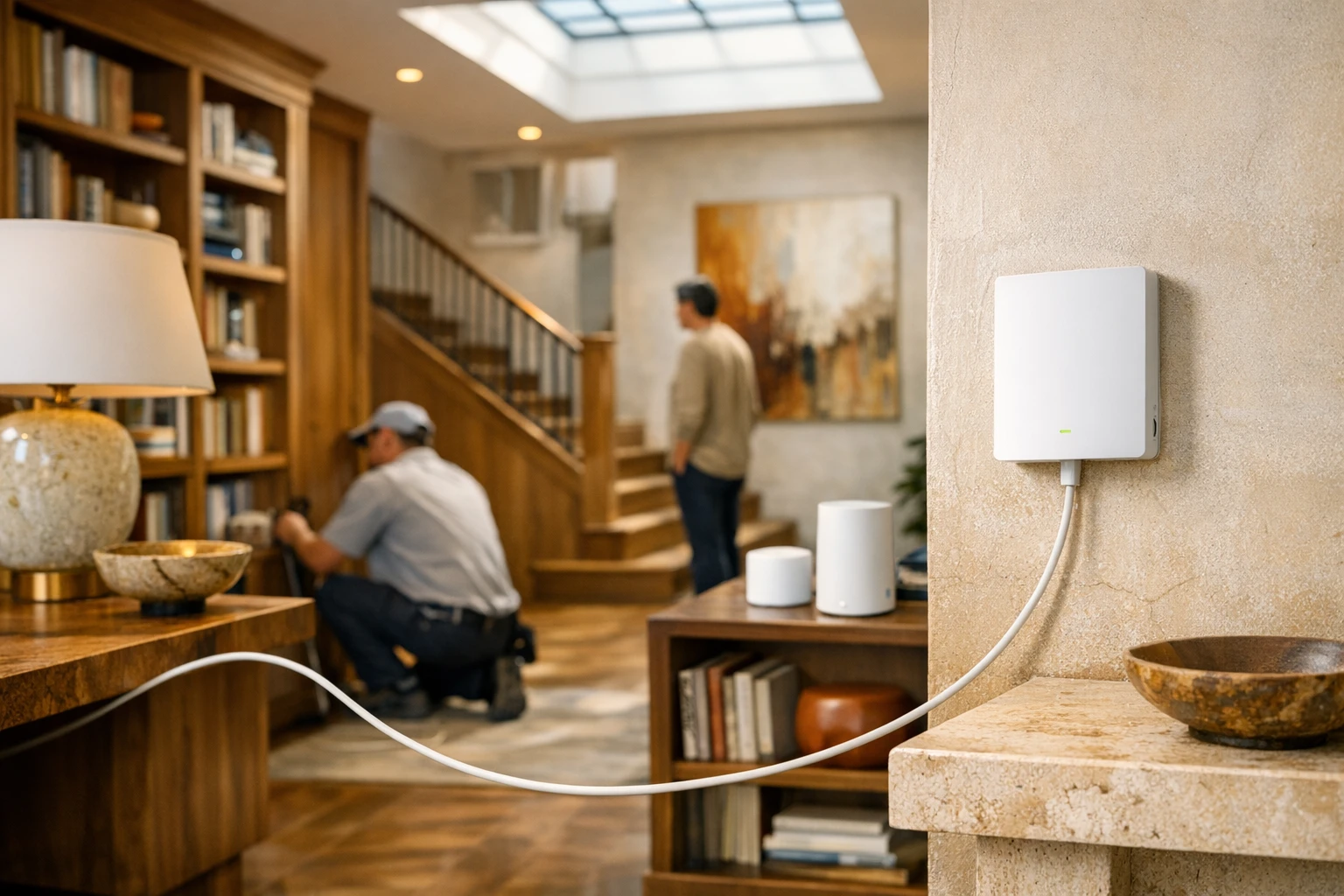
Installation is the moment when marketing language meets the physical world. A plan may look perfect on paper, but the actual setup determines whether the service performs as expected. The installation process varies by network type. Fiber typically requires an optical line and an ONT, which converts the light signal into usable internet service for your home network. Cable installation may involve checking coaxial lines, splitters, signal levels, and modem activation. Fixed wireless often needs precise placement of an outdoor or window-mounted receiver. Satellite installation requires careful dish alignment and a clear view of the sky. Each method has its own time, equipment, and reliability considerations.
Some providers offer self-install kits, usually for locations that already have an active line. Self-install can be convenient and less expensive, especially for cable services in apartments or homes with existing wiring. Professional installation is more common when a new line must be run, signal quality needs testing, or specialized equipment is involved. In straightforward cases, setup may take 30 to 60 minutes. More involved appointments can stretch to several hours if technicians need to access utility points, replace old cabling, or configure multiple devices. For fiber builds in new areas, the timeline may include a site survey and an exterior installation before the indoor appointment even begins.
Preparing for installation can save time and prevent weak Wi-Fi coverage later. Decide where you want the main router before the technician arrives. A central, open location is usually better than a corner room, metal cabinet, or basement utility area. If several people work or study from home, think about whether mesh nodes or Ethernet runs will be needed. Ask whether the provider’s gateway supports the latest Wi-Fi standards and whether you can use your own router. Good questions during installation often prevent future headaches.
A simple preparation checklist can help: • Confirm whether installation, activation, and equipment fees are one-time or recurring • Clear access to wall outlets, utility panels, and existing cable or fiber entry points • Test Wi-Fi strength in rooms where you rely on video calls or streaming • Request the network name, password, and equipment details before the technician leaves • Run a speed test on both Wi-Fi and Ethernet after setup
Done well, installation feels almost invisible. A technician arrives, wires are sorted, lights turn green, and your devices quietly come alive one by one. Done poorly, it becomes a chain of calls, missed appointments, and router reboots. That is why installation quality deserves the same attention as monthly price.
Conclusion: Choosing the Right Internet Service for Your Home or Small Business
If you are shopping for high-speed internet, the smartest move is to choose based on fit rather than hype. A single person in a small apartment does not need the same plan as a five-person household with remote work, gaming, cloud backups, and several smart TVs. Likewise, a small business that depends on payment systems, file transfers, and video meetings should place extra weight on uptime, support responsiveness, and upload performance. The right service is the one that supports your routine without forcing you to overpay for unused capacity or underbuy and deal with daily frustration.
Start with availability, because the best advertised provider may not serve your exact address. Then compare technologies. If fiber is available at a competitive price, it is often an excellent choice because of its speed, low latency, and strong upload performance. Cable remains a solid option in many areas, especially where fiber is not yet built out. Fixed wireless and satellite can be valuable alternatives in places with fewer wired choices, but they should be evaluated carefully for consistency, latency, and weather sensitivity. Once the technology is clear, compare total monthly cost, long-term price changes, equipment terms, and installation requirements.
It also helps to match service by user type: • Renters may prefer no-contract plans and easy self-install options • Families often benefit from mid-tier speeds, unlimited data, and broad Wi-Fi coverage • Remote workers should prioritize reliability, upload speed, and stable router placement • Gamers should look closely at latency and in-home network quality • Small businesses may need stronger support commitments and room to scale
In the end, a good internet decision is both technical and practical. Look past the largest headline number, read the plan details, ask about fees, and think honestly about how your home uses the connection hour by hour. The goal is not to win a speed contest; it is to create a steady digital foundation for work, entertainment, learning, and communication. When your internet simply works, you stop thinking about it, and that quiet reliability is often the best service of all.